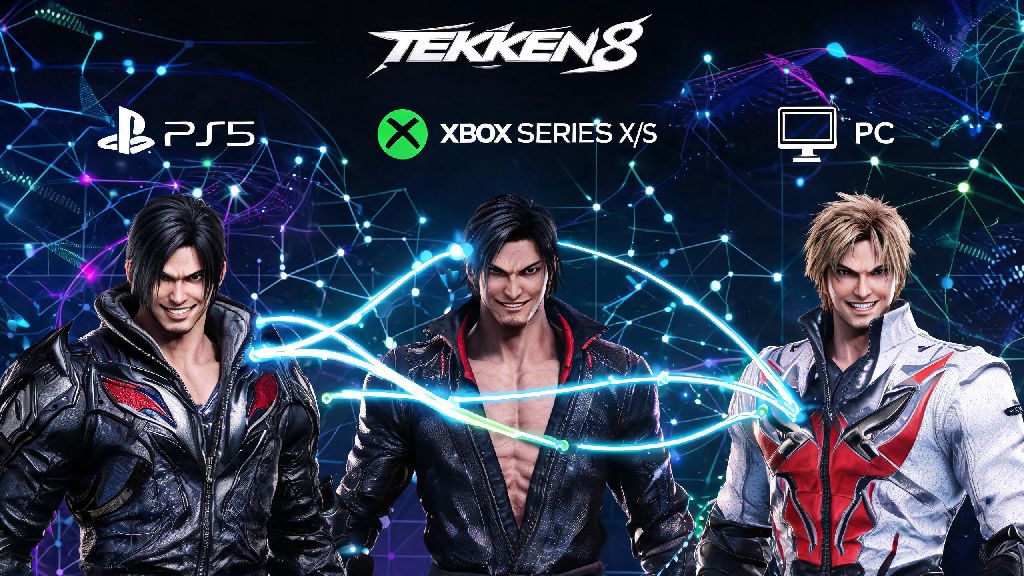
There’s nothing worse than finding a fellow Tekken 8 player who matches your skill level, or having a friend finally pick up the game, and having no clue how to connect with them for matches. Tekken 8’s cross-platform play opens up a massive pool of opponents, but its in-game menu layout can be confusing for first-time players who haven’t navigated Bandai Namco’s online systems before. This guide breaks down exactly how to add someone on Tekken 8 no matter what platform you play on, plus fixes for the most common glitches that stop friend requests from going through.
How to Add Someone on Tekken 8: Step-by-Step for Every Platform
The process of adding friends changes a little depending on whether you’re on PS5, Xbox Series X/S, or PC, but the core steps are the same across all devices. Before you send any requests, run through these quick pre-checks to avoid wasted time:
Once you’ve checked those boxes, open the Tekken 8 main menu and navigate to the “Online” tab. Select “Friend List” from the submenu, then choose the “Add Friend” option. You can either type in the full player ID of the person you want to add, or import friends directly from your platform’s native friend list if they already own the game. For cross-platform adds, you’ll need to use the in-game player ID, as platform-specific usernames won’t show up in search results. So if you’re playing on PS5 and your friend is on PC, you can’t just search for their Steam name – you’ll need to ask them for their Tekken 8 ID and number tag first.
How to Add Recent Opponents to Your Tekken 8 Friend List
You don’t have to scribble down a player’s ID mid-match if you want to add them later. Tekken 8 saves your last 50 matches in the recent match history tab, so you can pull up any opponent’s profile in a few clicks. Just head to the Online menu, select “Match History”, then scroll to the game you played against the person you want to add.
Select their profile, then choose “Send Friend Request” from the dropdown menu. You can also attach a short pre-written message to the request if you want to make it more personal – mentioning a specific combo they pulled off or how much you enjoyed the match makes it way more likely they’ll accept, instead of deleting it as random spam. I always send a quick “Loved your Julia mixups, let’s run it back later” when I add people I had fun playing against, and 90% of the time they accept right away.
Common Tekken 8 Friend Request Issues (And How to Fix Them)
Even if you follow all the steps correctly, you might run into glitches that stop friend requests from sending or showing up. These issues are super common, especially after new game patches drop, so don’t panic if your requests aren’t going through. The first fix to try is always restarting your game and your platform – I’ve run into this issue myself after a 2 hour ranked grind, where none of my friend requests to opponents I’d just played would go through until I turned my PS5 off and back on.
If restarting doesn’t work, check that both you and the other player have installed the latest game patch. Outdated game versions often break cross-platform functionality, so even a small missed update can stop requests from appearing. You should also double check your platform privacy settings – if your account is set to only accept friend requests from people you already follow on your platform, you won’t receive any in-game requests from cross-platform players. Adjust that setting to “allow requests from everyone” temporarily if you’re trying to add a crossplay friend, then switch it back later if you’re worried about spam.
One last common issue is friends showing as offline even when they’re logged into the game. This is almost always a crossplay sync bug, and the fix is simple: just remove each other from your in-game friend lists, then send a new request. The sync will reset once you re-add each other, and you’ll be able to see each other’s online status right away.
Best Practices for Managing Your Tekken 8 Friend List
Once you start building up your list of Tekken 8 friends, there are a few small tweaks you can make to get more out of your online play. First, turn on friend match notifications in your settings, so you get an alert whenever someone on your list is online and looking for matches. That way you don’t have to keep checking your friend list every 10 minutes to see if anyone is free to play.
If you play with different groups of people – like friends you only play casual party mode with, and players you queue for ranked matches with – you can create custom groups in your friend list to sort them. That makes it way faster to send group invites when you want to play a specific mode, instead of scrolling through your entire list to find the right people.
You should also go through your friend list once every couple of months to remove people you haven’t played with in 6 months or more. The 100-friend cap is lower than most other fighting games, so clearing out inactive players makes room for new opponents you meet in ranked or casual lobbies. If you get a lot of random spam requests from players you don’t know, you can also adjust your settings to only accept friend requests from people you’ve played against in the last 7 days, which cuts down on almost all unwanted requests.
Once you get the hang of how to add someone on Tekken 8, you’ll be able to build a regular group of players to test new combos, climb the ranked ladder, or just mess around in Tekken Ball mode with whenever you log on. Most of the common issues with friend requests have super simple fixes, so don’t get frustrated if your first request doesn’t go through right away. With the steps in this guide, you’ll be jumping into private matches with your friends in less than a minute.