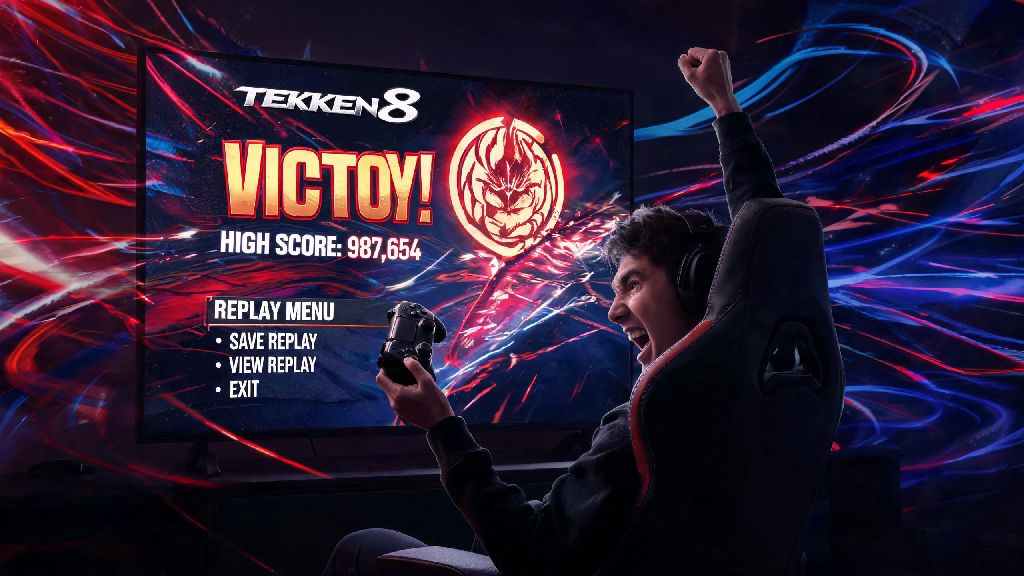
You just pulled off a perfect 10-hit combo with Jin, countered that spamming Law player's flip kicks, and won a ranked promotion match you spent weeks grinding for. The last thing you want is for that highlight to vanish when you close the game, right? That's why knowing how to download Tekken 8 replays is one of the most underrated useful skills every player should have. I've lost count of how many sick matches I forgot to save back when I first started playing the franchise, so I put together this no-fluff guide to make sure you don't make the same mistake. Whether you play on PS5, Xbox Series X/S, or PC, we'll cover every method, plus extra tips to organize and share your saved clips.
How to Download Tekken 8 Replays on Console and PC: Step-by-Step Walkthrough
First, it's important to note that Tekken 8 automatically saves your last 20 matches to a temporary folder in Replay Theater, but these are deleted as you play more games. To keep a match permanently, you have to manually download it to your system storage. The core process is nearly identical across all platforms, with only small differences in where your saved files end up.
For PS5 users, saved replays are stored in your console's Media Gallery, so you can access them even when Tekken 8 is closed. Xbox Series X/S users will find theirs in the Xbox Capture & Share app, and PC users can locate saved replay files in the Tekken 8 folder under your My Documents directory. Important note: Temporary replays are deleted after 20 new matches, so make sure to save any clips you care about within a day or two of playing them. I learned this the hard way when I lost a clip of me beating a top 100 ranked player because I forgot to save it before grinding a bunch of casual matches later that night.
Common Issues You Might Face When Saving Tekken 8 Replays
Even if you follow all the steps correctly, you might run into a few snags when trying to save replays, most of which have simple fixes. If you're trying to figure out why you can't save a replay, the first thing to check is that the match was fully completed without any interruptions, as partial matches don't count towards your replay history even if you know how to download Tekken 8 replays already.
The most common issue is insufficient storage space. A lot of players don't realize that even short Tekken 8 replays take up around 50MB each, so if you have a ton of game captures already saved, you might run out of space mid-save. Fix this first by clearing out old, unused clips or upgrading your storage if you plan to save dozens of replays over time.
Another frequent problem is corrupted replay files. Sometimes, if your game crashes mid-match or you lose internet connection during an online game, the replay file will be corrupted and won't save properly. There's no fix for this right now, but you can reduce the risk by making sure your internet is stable before playing ranked matches. Pro tip: Always wait 10 seconds after the match results screen pops up before exiting to the main menu, to give the game time to upload the replay to your temporary history. Cross-play matches sometimes take a minute longer to show up in your replay list, so don't panic if you don't see it immediately.
What to Do With Your Saved Tekken 8 Replays After Downloading
Saving replays isn't just for showing off cool combos to your friends, though that's definitely a fun perk. Most competitive Tekken players use their saved replays to study their own gameplay and fix mistakes they didn't notice during the match. For example, if you keep losing to players who use a lot of low attacks, you can go back to your replays and count how many times you failed to block low, or missed a punish opportunity that could have turned the match around.
You can also use replays to study high-level players if you download their public match replays from the Tekken 8 online lobby. Just search for their player ID, pull up their match history, and save any replays that show tactics you want to learn for your main character. I do this at least once a week, watching top ranked Kazuya players to pick up new combo routes and setups I wouldn't have thought of on my own.
If you're a content creator, you can record your saved replays using your platform's built-in capture tool, edit them, and post highlights to TikTok or YouTube to grow your audience. Some players even host replay review sessions for newer players, where they go through saved matches and point out areas for improvement. If you want to share replays directly with friends without uploading them to social media, you can export the replay file on PC and send it to them, so they can load it directly in their own Tekken 8 game to watch.
Tips to Organize Your Saved Tekken 8 Replays Long-Term
If you save replays regularly, you'll end up with dozens or even hundreds of files in a few months, and it can be a nightmare to find the specific one you're looking for. The first thing you should do is rename every replay immediately after you save it, instead of leaving it with the default random file name. I usually include the character I played, the opponent's character, the match type, and a short note about what made the match worth saving, like "Kazuya vs Feng Ranked Comeback 3-2".
On PC, you can create separate folders for different replay types like ranked matches, casual friend matches, combo practice runs, and high-level player replays to keep everything sorted. On console, you can create custom albums in your media gallery to do the same thing, so you don't have to scroll through hundreds of files to find the one you want to show your friends.
Another good habit is to go through your saved replays once a month and delete any that you don't need anymore. That old casual match you won against a friend last year probably isn't worth keeping, but the replay of your first Tekken King promotion is definitely something you'll want to hold onto forever. Make sure to back up your most important replays to an external hard drive or cloud storage, especially if you play on PC. If your game files get corrupted or you upgrade your console, you won't lose all your favorite match highlights.
At the end of the day, taking a few extra seconds to save your best matches is well worth the effort, whether you're a casual player who wants to hold onto fun moments or a competitive player looking to climb the ranks. Now that you know how to download Tekken 8 replays, you'll never have to worry about losing that perfect match you worked so hard for. Next time you pull off a combo you've been practicing for weeks, or win a match you thought you had no chance in, just head to Replay Theater and save it for later. You'll thank yourself when you want to rewatch it a few months down the line, or use it to show your friends how much you've improved.