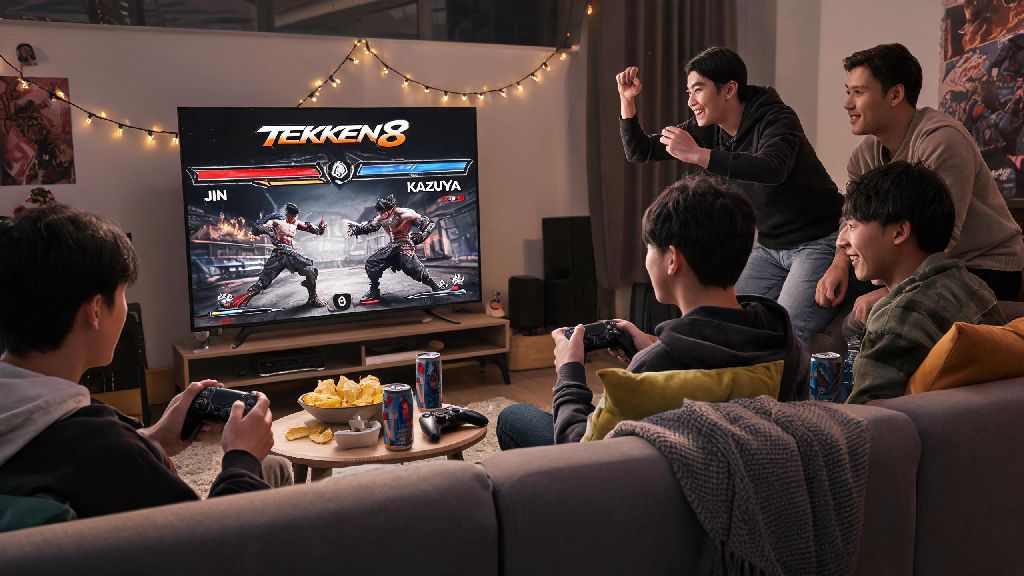
If you’ve spent hours grinding ranked matches to perfect your Jin combo or master King’s throw chains, there’s no better way to show off your skills than to go up against people you know. Figuring out how to fight friends in Tekken 8 doesn’t have to be a confusing process, even if you’re playing across different platforms or hosting a couch play session with multiple people. I’ve run dozens of local Tekken 8 tournaments with my friend group over the past few months, and I’ve sorted out all the common snags that can ruin a casual play night before it even gets started. Whether you’re a total newb looking to mess around or a ranked veteran ready to humble your roommate who swears they’re the best player in your crew, this guide covers every scenario you might run into.
How to Fight Friends in Tekken 8: Local Couch Play Setup
Local play is the classic way to enjoy fighting games with friends, and Tekken 8 makes the process far simpler than many older entries in the franchise. The first thing you’ll want to do is make sure all your hardware is set up correctly before launching the game, to avoid wasting 20 minutes troubleshooting controllers while everyone waits to play. Controller input recognition is the most common issue people run into with local play, so test every device before you invite people over if you can.
Follow these quick steps to get a local match up and running in under a minute:
If you don’t have extra controllers, you can use a keyboard and mouse for one player on PC, but most people find controllers easier for fighting games, so it’s worth picking up a cheap extra controller if you host play nights often. Player profile customization lets your friends use their own custom character skins and control mappings if they sign into their account on your device, or they can use a guest profile if they just want to jump in quickly.
Setting Up Private Online Matches With Friends
If you can’t meet up in person, private online lobbies let you play with friends no matter where they are, and Tekken 8’s crossplay support means you don’t have to own the same console to play together. Crossplay compatibility is turned on by default for most players, but if you or your friend turned it off for ranked play, you’ll need to turn it back on in the settings menu to connect across platforms.
To create a private lobby, head to the "Online" tab on the main menu, select "Custom Match", then choose "Create Private Lobby". You can set a 4-digit password for the lobby to make sure only your friends can join, then share the password and lobby ID with your group. You can fit up to 8 people in a single private lobby, with spectator mode enabled for anyone not currently playing, which is perfect for small online tournaments with your friend group.
The best part about private online matches is that they don’t affect your ranked MMR at all, so you can mess around with troll character picks or practice new combos without worrying about ruining your rank. I once ran an 8-person online lobby where we only played as Panda, and no one had to stress about their rank dropping after a silly loss. You can also save your lobby settings so you don’t have to reconfigure them every time you want to play with the same group, a small quality of life feature most players miss.
Settings to Make Friendly Matches Fun for All Skill Levels
Nothing kills a casual play night faster than a new player getting destroyed 10 times in a row by a friend who spends 10 hours a week practicing ranked combos. Tekken 8 has a ton of adjustable settings that let you level the playing field so everyone can have fun, no matter their experience level. Handicap settings are the most useful tool for this, as you can adjust damage output for each player individually. For example, you can set a new player to deal 150% damage while the experienced player only deals 75%, so even a few well-timed hits from the new player can win them a round.
If you’re playing with people who have never touched a fighting game before, you can turn on the combo assist feature, which lets them pull off basic combos just by pressing the same button repeatedly. They won’t be able to pull off advanced high-damage combos with this setting, but they’ll feel like they’re putting up a fight even if they don’t know any motion inputs yet. You can also adjust round length from the standard 99 seconds to 60 seconds for new players, so matches go faster and they don’t have to sit through a long loss if they get knocked out early.
So if you’re the more experienced player in the group, don’t just spam unblockable throws or unreactable combos the whole time. Give your friend small tips between rounds, like how to block low attacks or break throws, so they get better over time. It makes the matches more fun for everyone long term, and you’ll have more of a challenge once they start picking up the basics.
Common Issues to Troubleshoot When Playing With Friends
Even if you follow all the setup steps perfectly, you’ll probably run into a few small issues when playing with friends, especially if you’re playing online across different platforms. Crossplay connection errors are the most common issue, and they’re almost always caused by one person having crossplay disabled in their settings. Double check that everyone in your group has crossplay turned on before you try to connect, and make sure everyone’s game is updated to the latest version, as out-of-date game builds can’t connect to current lobbies.
If you’re playing locally and running into input lag, make sure you’re using game mode on your TV. Most modern TVs have this feature, and it cuts down input lag by 50% or more by disabling unnecessary post-processing effects. If you’re on PC and your friends can’t join your online lobby, make sure your firewall isn’t blocking Tekken 8’s online access, that’s the most common PC-specific issue I’ve run into when hosting lobbies.
If you’re dealing with bad lag in online matches, have everyone turn off background downloads on their device and use a wired internet connection if possible. Even a strong 5G wifi connection can have random lag spikes that ruin matches, so wired connections are always better for competitive fighting games. If voice chat isn’t working in the lobby, make sure everyone has their mic set to the correct input device in the game’s audio settings, as the default setting sometimes picks up the wrong mic or a disabled input.
At the end of the day, Tekken 8 is meant to be enjoyed with the people you care about, even if that means you lose 10 matches in a row to your best friend who spends way more time practicing combos than you do. Once you know how to fight friends in Tekken 8, you can skip the confusing setup steps and jump straight to the fun, chaotic matches that make fighting games so memorable. Don’t be afraid to mess around with weird character picks, silly custom rules, and silly bets to make each session feel unique. The best part of playing with friends is that you don’t have to take it as seriously as ranked, so lean into the chaos.