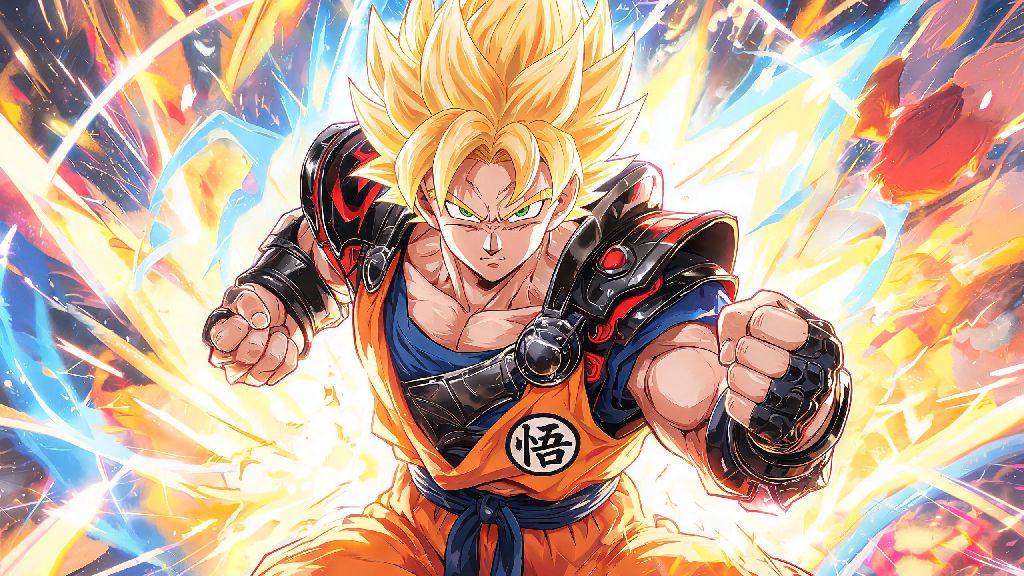
If you’re a Dragon Ball fan who’s spent hours messing around with Tekken 8’s deep customization tools, you’ve probably wondered if you can pull off a perfect Goku build. We’ve tested every customization option, move set, and even minor visual tweak to figure out how to make Goku in Tekken 8 that looks and feels like the real Super Saiyan we all know and love. You don’t need fancy third-party mods to pull this off either—most of what you’ll need is already included in the base game, with only optional add-ons if you want to go the extra mile for full accuracy.
Core Steps to Make Goku in Tekken 8 Without Mods
When you make Goku in Tekken 8, the base character choice is the most important decision you’ll make. We recommend picking Jin Kazama as your base for almost every Goku variant. His lean, muscular body type is almost identical to adult Goku’s, his default fighting stance is close enough to Goku’s casual battle pose that you won’t have to adjust too much later, and his natural spiky hair texture matches Goku’s style far better than any other character on the roster. If you want to build a younger Kid Goku variant, you can swap to Xiaoyu as a base, but you’ll need to bump up the muscle sliders slightly to pull off the look.
You don’t need to purchase any DLC to get these items, they’re all available in the base game for players who hit level 5 with Jin, which only takes a couple of hours of casual play. If you don’t feel like grinding matches, you can also unlock customization items directly with fight money you earn from any game mode, including the single-player arcade mode.
Fine-Tuning Visuals to Match Goku’s Iconic Looks
When you make Goku in Tekken 8, the small visual details are what separate a good build from a great one. Once you’ve got the core outfit sorted, start with skin tone adjustments: bump the warmth slider up 10% from Jin’s default tone to match Goku’s slightly tanned skin from years of training outside. Next, adjust the gi color saturation down to 80%—the default bright orange looks unnatural in Tekken 8’s darker, more realistic lighting, and a slightly desaturated orange will feel far more authentic in matches.
If you want to build Super Saiyan variants, you can adjust the hair color easily. Pick bright lemon yellow for base Super Saiyan, pale gold with a slight red tint for Super Saiyan God, and soft pale blue for Super Saiyan Blue. Don’t adjust the hair shine slider above 20%—any higher and the hair will look too glossy and plastic, which breaks the immersion of the build. You can also add small scuff marks to the gi if you want to make a battle-damaged Goku variant, or add a tail accessory if you’re building a Saiyan saga Goku.
Just note that the tail accessory will clip slightly during certain jump and kick animations, so it’s best to leave it off if you plan to use the build for competitive online play. If you have access to the limited-time Dragon Ball collaboration DLC, you can even add the 4-star Dragon Ball as a belt charm, but that’s totally optional and not required for a solid Goku build.
Adjusting Move Sets to Feel Like Real Goku Combat
A great Goku build isn’t just about looks—it should feel like you’re playing as Goku when you fight, too. Jin’s move set is already a perfect base for this, since he’s got a mix of fast punches, kick flurries, and energy-based attacks that line up really well with Goku’s canon moves. If you make Goku in Tekken 8 just for offline play, you can experiment with more dramatic move set changes to get even closer to the anime’s combat style.
First, swap Jin’s default Rage Art for the energy blast combo Rage Art, which looks almost identical to Goku’s Kamehameha when executed correctly. You’ll also want to remap your controls so that the right bumper triggers your fastest punch combo, which mimics Goku’s rapid punch flurries he uses in almost every fight. If you want to go the extra mile, you can adjust the hit sound effects to be higher pitched, which matches the sound of Goku’s punches from the anime.
Don’t worry about breaking any competitive rules with these adjustments—all move set swaps and control remaps are allowed in casual online play, so you can show off your Goku build to other players without getting flagged. If you prefer a more hard-hitting Goku playstyle, you can swap the base character to Paul instead of Jin, since his heavy punch moves match Goku’s more powerful knockout attacks really well.
Common Mistakes to Avoid When Building Your Goku Character
Even if you follow all the steps above, it’s easy to make small mistakes that make your Goku build feel off. One of the most common mistakes people make when they make Goku in Tekken 8 is over-customizing the outfit with unnecessary accessories. Goku’s design is intentionally simple, so adding extra wristbands, necklaces, or hats will just make the build look cluttered and untrue to the character.
Another common mistake is picking the longest spiky hair option for the build. Many new customizers assume longer hair is more accurate for Goku, but the longest spiky hair option ends up looking more like Gohan’s adult hair than Goku’s signature style. Stick to the medium-length spiky option we mentioned earlier for the most accurate look.
If you’re playing on PC, you might be tempted to download third-party Goku mods, but be aware that these will only be visible to you in offline play, and you’ll get banned from online matches if you use modded characters in public lobbies. It’s always better to stick to in-game customization options if you want to show off your build to other players. Also, don’t forget to test your build in a quick practice match before taking it online—small animation clips or color issues that are hard to spot in the customization menu will be very obvious during a fast-paced fight.
At the end of the day, you don’t need to be a pro customizer to figure out how to make Goku in Tekken 8 that looks and feels authentic. Even small adjustments can make a huge difference, and you can tweak the build over time to match your favorite Goku variant from different Dragon Ball arcs. Once you’re happy with your build, take it into casual matches and see what other players think—you’d be surprised how many people will ask you how you pulled off the look. If you want to experiment further, you can use the same base steps to build other Dragon Ball characters like Vegeta or Gohan too, once you get the hang of Tekken 8’s customization tools.